




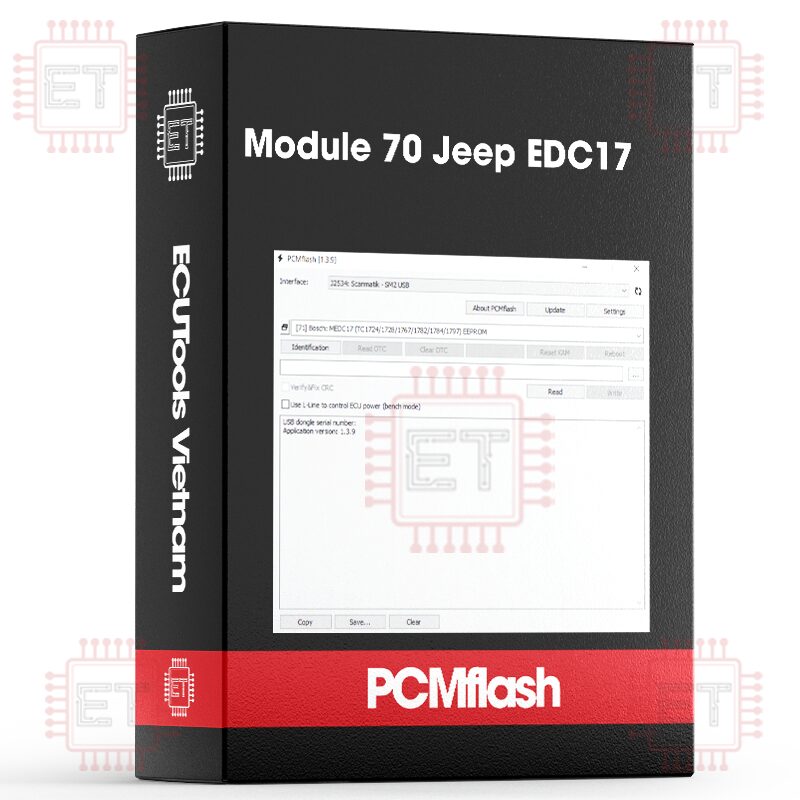

Caption:
- RD: Read
- WR: Write
- CK: Checksum correction
Supported ECU
- 2.8L CRDI (EDC17CP27)[ RD/WR/CK ]
- 3.0L CRDI (EDC17C49/C79) [ RD/WR/CK ] direct connection to ECU may be required for reading
The following ECUs are supported:
2.8L CRDI (EDC17CP27) [Test][RD/WR/CK]
3.0L CRDI (EDC17C49/C79) [RD/WR/CK]
Identification looks like this:
VIN number: 1C4RJFCM5EC531366
Part number: 05150767AC
Serial number: T00YF1234H1514
Software version: 68270626AE
Calibration file: MAW4J4W270XX02H
CVN number: EDD3BF04
To see the CVN, you need to hold down the Shift key.
Reading: EDC17CP27 – via the OBD port, can be done with the engine running. For EDC17C49/C79, try reading in the vehicle; if that doesn’t work (and if there’s a “gateway”), direct connection to the ECU port is required. Reading time is up to 10 minutes. After reading, you’ll get a file that also contains the Bosch number: 10SW002641_68270626AE_MAW4J4W270XX02H-20181203-002526.bin
The pinout for EDC17C49/C79 can be found on the evc.de website.
Second option:
Writing: Only calibrations are written, so you either modify the one that was read or find a file by software version or calibration file. Files read in BSL (boot mode) are suitable. In case of a communication interruption, simply restart the writing process; you can turn off the ignition if needed. IMPORTANT: If you get a P0633 error after writing, it’s likely that the tuner forgot (or doesn’t know how) to mask this error. Some tools, like K-Tag, perform this automatically, and many users may not realize this.
Example process log:
16:55:08 Entering programming mode
16:55:14 Gaining access
16:55:15 Data transfer
16:55:15 Erasing area 1
16:55:34 Transferring block 1
16:56:47 Verification
16:56:47 Completion
16:56:51 Successfully completed
Whatsapp: +84.899.402.402
Facebook: ECUTools.vn
Youtube: ECUToolsvn
Tiktok: ECUTools
Website: ECUTools.vn
Cart
(0 Product)







Related products
Reviews
There are no reviews yet.