




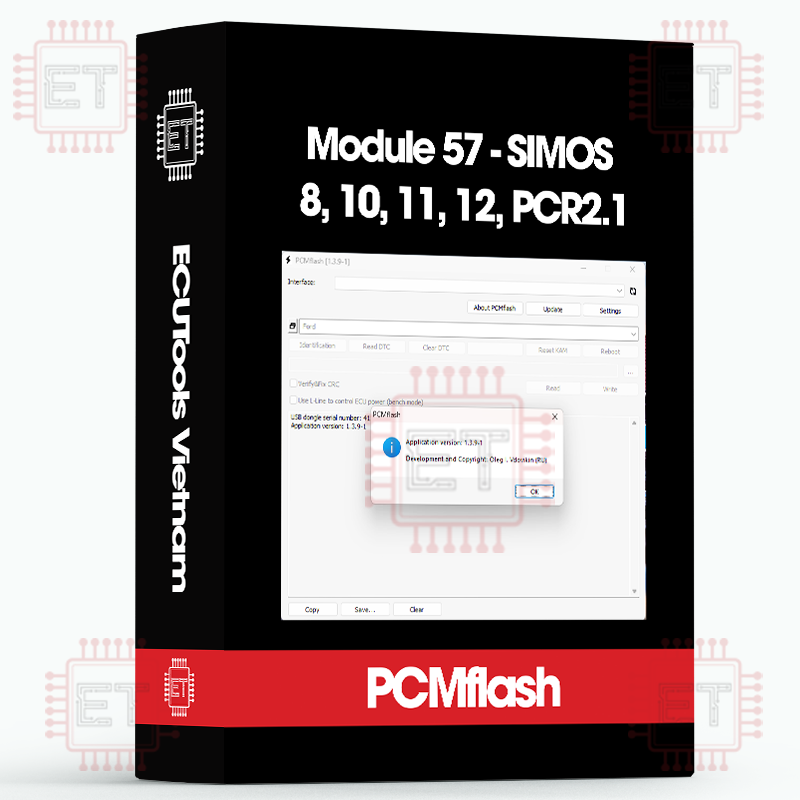

Caption:
- RD: Read
- VR: Virtual Reading
- WR: Write
- CK: Checksum correction
- UNLOCK: Unlock ECU
Supported ECU
- 2.8L V6 FSI (SIMOS8.1) [ RD/WR/CK ]
- 3.2L V6 FSI (SIMOS8.2) [ RD/WR/CK ]
- 3.0L V6 TFSI (SIMOS8.3) [ VR/WR/CK ]
- 3.0L V6 TFSI (SIMOS8.4) [ VR/WR/CK ]
- 3.0L V6 TFSI (SIMOS8.5) [ VR/WR/CK ]
- 2.8L V6 FSI (SIMOS8.6) [ RD/WR/CK ] (read-write calibrations after unlocking in BSL!)
- SIMOS8.6 (EEPROM/UNLOCK/BSL) [ RD/WR/UNLOCK ] (EEPROM read/write, ECU unlock)
- 1.2L TSI (SIMOS10) [ RD/VR/WR/CK ]
- 1.2L MPI (SIMOS11) [ RD/VR/ WR/CK ]
- 1.8L, 2.0L TSI (SIMOS12.1/SIMOS12.2) [ VR/WR/CK ]
- 1.6L TDI (PCR2.1) [ RD/WR/CK ] (calibration read/write after unlocking in BSL!)
- PCR2.1 (EEPROM/UNLOCK/BSL) [ RD/WR/UNLOCK ] (EEPROM read/write, ECU unlock)
The SIMOS 8.xx ECUs were installed in Audi vehicles with large engines. For the 8.1, 8.2, 8.3, 8.4, and 8.5 versions, writing is done via OBD without the need for any additional actions. For versions 8.3, 8.4, and 8.5, a stock file database is provided (this contains the full ECU software and allows for software updates). For the SIMOS 8.6 version, prior opening and unlocking in BSL mode using the corresponding module is required. Instructions are provided below.
The PCR 2.1 ECUs were installed in various VAG group vehicles with a 1.6L diesel engine. For operation, prior unlocking is required.
Please note: where real reading is available, only the calibration area is read (not the entire software). In this case, pay close attention to ensure the calibration version matches the current software version during writing. Otherwise, you risk bricking the ECU after the write process. Work very carefully. Only SIMOS 8.1/8.2 ECUs can be restored later using package 53. The rest will need to be replaced with new ones.
The SIMOS 8.4 ECU can also be unlocked, allowing reading to be available. However, I recommend using the stock files provided with the package.
ECU marking usually includes another digit at the end of the name, for example SIMOS 8.23. For us, this is not important, from the program’s point of view, this is 8.2.
PCR2.1


Red – +12v, black – ground, yellow – CAN-HIGH, blue – CAN-LOW
SIMOS8.6


Red – +12V, Black – ground, Yellow – CAN-HIGH, Blue – CAN-LOW
Procedure for working with ECUs requiring unlocking (PCR2.1, SIMOS8.6):
- Check the current state of the ECU directly in the vehicle. If the verification is disabled, proceed immediately to reading/writing calibrations. Otherwise, follow the next steps.
- Remove the ECU from the vehicle, open it, and switch the processor to BSL mode using the connection method provided below (PCR2.1, SIMOS8.6). The process is similar to that in Package 53. You can use tools like powerboxes, but it’s also possible to manage without them.
- Select “SIMOS8.6 (EEPROM/UNLOCK/BSL)” or “PCR2.1 (EEPROM/UNLOCK/BSL)” depending on the ECU type.
- Click Identification – and save the block data in a text file.
- Click Reading – and save an untouched EEPROM image.
- Since the ECU is locked, perform Initialization. For PCR2.1, you will get a corresponding status message (for SIMOS8.6, the status will not be displayed).
- If you need to restore the EEPROM contents, you can select the previously saved file and use the write button to restore it.
Working with ECUs after unlocking (2.1, 8.6) or if unlocking is not required (8.2, 8.4, 8.5)
This process is straightforward. It is important to understand that when reading an unlocked ECU, you only obtain the calibration data, not the complete software. In this case, writing is only possible if the software versions match. However, if the stock was taken from the database of stocks included with the module, there are no such restrictions, and the ECU can be “updated.”
Whatsapp: +84.899.402.402
Facebook: ECUTools.vn
Youtube: ECUToolsvn
Tiktok: ECUTools
Website: ECUTools.vn
Cart
(0 Product)







Related products
Reviews
There are no reviews yet.