




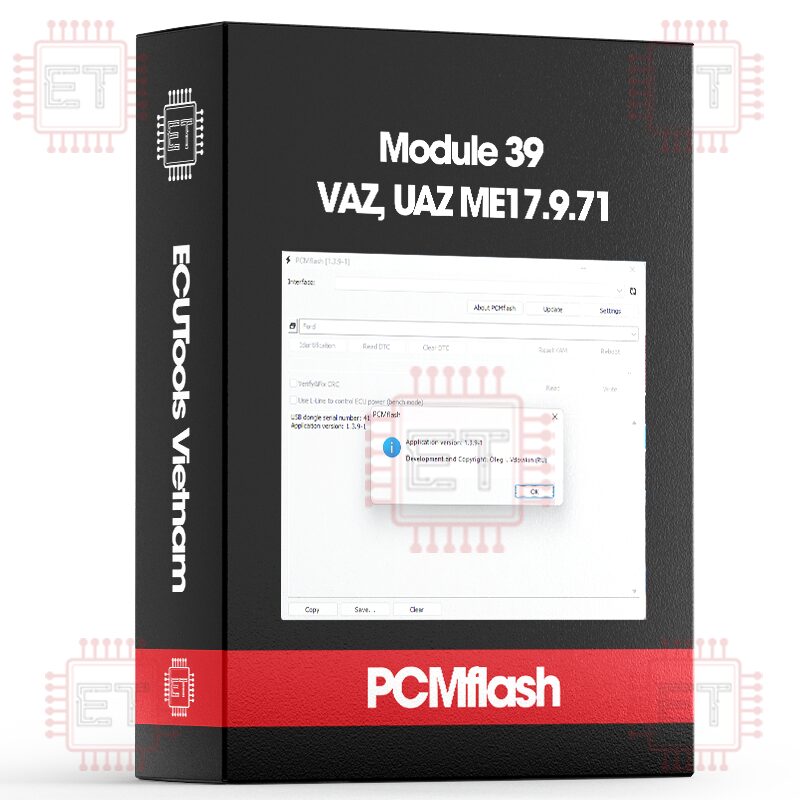
Module 39 - VAZ, UAZ ME17.9.71
$94.49


Caption:
- RD: Read
- WR: Write
- CK: Checksum correction
- UNLOCK: Unlock ECU
Supported ECU
- UAZ: Patriot/Hunter/Bukhanka 2.7L (ME17.9.71) [ RD/WR/CK ] entry after unlocking
- VAZ: Niva 1.7L (ME17.9.71) [ RD/WR/CK ] entry after unlocking
- ME17.9.71 (TC1724/BSL) [ RD/UNLOCK ]
WARNING: To write modified firmware via OBD, it is necessary to “unlock” the ECU once in BSL mode, which means the ECU must be opened physically! Stock firmware can be written immediately. After unlocking, you can write any firmware without the need for “preparation.” In BSL mode, reading the ECU is also possible.
Important information about the Niva! Reports from the field indicate that the CAN bus was forgotten when connecting to the OBD port in this vehicle. Therefore, reading the password and programming it is only possible by directly connecting to the ECU or by adding pins 6 and 14 to the connector.
“ Module: UAZ: Patriot/Hunter/Bukhanka 2.7L (ME17.9.71)
Identification
Hardware Number: ME17.9.71
Software Version: VS35B473
Catalog Number: 3163-3763014-30
Calibration: 1037539916
Module: VAZ: Niva 1.7L (ME17.9.71)
Identification
Hardware Number: ME17.9.71
Software Version: 2123B4724S
Catalog Number: 21230-1411020-50
Calibration: 10SW003177
“ Process Log:
09:46:29 Entering programming mode
09:46:29 Access granted
09:46:41 Data transfer
09:46:41 Erasing area 1
09:46:49 Transferring block 1
09:47:07 Verification
09:47:11 Erasing area 2
09:47:12 Transferring block 2
09:47:13 Verification
09:47:14 Erasing area 3
09:47:33 Transferring block 3
09:48:24 Verification
09:48:31 Completion
09:48:35 Successfully completed
Unlocking Procedure:
- First, directly in the vehicle (or on the bench without “boots”), you need to read the password. To do this, select ME17.9.71 UAZ or Niva from the module list and click read. The program will read the password from the ECU and offer to save it to a file. At the same time, the program will display the current status of the ECU, i.e., whether signature verification is enabled or not. If it is already disabled, then someone has done this previously, and the following steps can be skipped.
- Remove the ECU from the vehicle, open it, and install two 1 kOhm resistors as shown below:

Next, connect the power and the CAN bus as shown in the diagram. The +12V and ignition (IGN) wires should be connected together. If diagnostics are needed (i.e., identification, reading, and clearing errors), connect the K-line depending on the type of software (UAZ or Niva) since different pins are used. Please note that diagnostics will only work without resistors.

- In the loader, select ME17.9.71/BSL and click the read button. The program will ask you to specify the password file; you need to select the file saved in the first step. Then, when prompted by the program, turn on the power (not earlier and not later). The block should start reading, and within less than a minute, a full read will be completed. Turn off the block.
- Click the Initialization button to unlock the block. The program will again ask for the password file. Then, as instructed by the program, turn on the power (not earlier and not later). After the operation completes successfully, everything is ready. You can remove the resistors and proceed with programming via OBD as needed.
Whatsapp: +84.899.402.402
Facebook: ECUTools.vn
Youtube: ECUToolsvn
Tiktok: ECUTools
Website: ECUTools.vn
Cart
(0 Product)







Related products
Reviews
There are no reviews yet.