




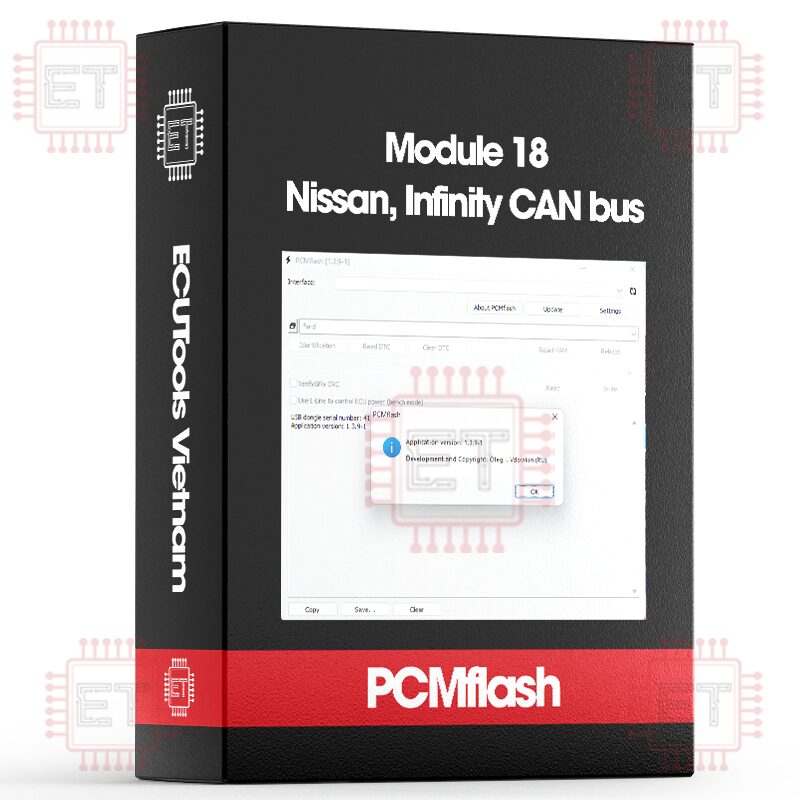

Caption:
- RD: Read
- WR: Write
- CK: Checksum correction
Supported ECU
- EFI Generic Read-Only (Hitachi) [RD]
- EFI SH705519N (Hitachi SH7055/512KB) [RD/WR/CK]
- EFI SH705822N, SH705828N (Hitachi SH7058/1MB) [RD/WR/CK]
- EFI SH705927N (Hitachi SH7059/1.5MB) [RD/WR/CK]
- EFI SH725331N (Hitachi SH72531/1.25MB) [RD/WR/CK]
- EFI S7253332N (Hitachi SH72533/2MB) [RD/WR/CK]
- Koleos/Latitude 2.5 SH705822N (Hitachi SH7058/1MB) [RD/WR/CK]
- Koleos 2 2.5L S7253332N (Hitachi SH72533/2MB) [RD/WR/CK]
The S7253332N ECU is still in testing until someone checks it live.
As with Honda, we have added a universal module:
EFI Generic Read-Only (Hitachi)
The process starts by identifying the ECU using “EFI Generic Read-Only (Hitachi).” After execution, you get something like this:
“Module: Nissan: EFI Generic Read-Only (Hitachi)
Identification
- Software Version: 19HA7D00000
- VIN Number: 1N4AL2AP1CN518814
- Main Number: 2TRKH4SN01
- Part Number: 23710-9HA7D
Module: Nissan: EFI SH705822N, SH705828N (Hitachi SH7058/1MB)
Completed
If the module is supported, the program will display its name. You will need to use this for writing modified files.
If you get the message “Unrecognized module” it’s most likely not a Hitachi (for example, Bosch is installed on the X-Trail 2.5, Denso on diesels, or Valeo on the Terrano), or it could be one of the newer Hitachi ecu using a different protocol (such as those installed on Qashqai from 2014). These are currently not supported.
Next, you can proceed to reading, either with a specific module or using the Generic one. Reading time is 2-6 minutes depending on the block type.
Writing: As usual with Nissan, disconnect all consumers; otherwise, the ECU will not enter programming mode. Writing time is 1-4 minutes depending on the ECU type. In case of an interruption during writing or an error, simply restart the process. The ECU can only be “bricked” by writing corrupted firmware with a correct checksum (CK). Checksum verification and correction are supported, and if after reading the stock and checking the checksum in it (by pressing Write without actually writing), you get a message other than “correct,” send the firmware to me for analysis and addition.
“Example – writing SH705828N:
22:38:09 Entering programming mode
22:38:09 Module identification
22:38:09 Access granted
22:38:09 Erasing
22:38:15 Data transfer
22:38:15 Transferring block 1
22:40:07 Software validation
22:40:07 Completion
22:40:07 Successfully completed
Attention! Renault Latitude 2.5: At the end of reading, the warning “checksums are incorrect, check the correctness of the selected module or contact support” is normal for them. Renault does not use checksums.
Identification works for non-activated modules as well (except boot).
Whatsapp: +84.899.402.402
Facebook: ECUTools.vn
Youtube: ECUToolsvn
Tiktok: ECUTools
Website: ECUTools.vn
Cart
(0 Product)







Related products
Reviews
There are no reviews yet.