



KESS3 Is More Than an ECU Reading and Writing Tool: From Vehicle to Tune in the Alientech Ecosystem




An ECU reading and writing tool solves only one part of the job. To build a remapping service, a workshop also needs file-editing software, calibration knowledge, verification procedures and a support structure that fits daily operations.
KESS3 starts the workflow
KESS3 works with supported ECUs and TCUs through OBD, BENCH and BOOT connection modes. Depending on the application, it can read, write or clone control units and manage additional functions within Alientech Suite. The Vehicle List allows technicians to review the supported connection mode and operations before working on a vehicle.
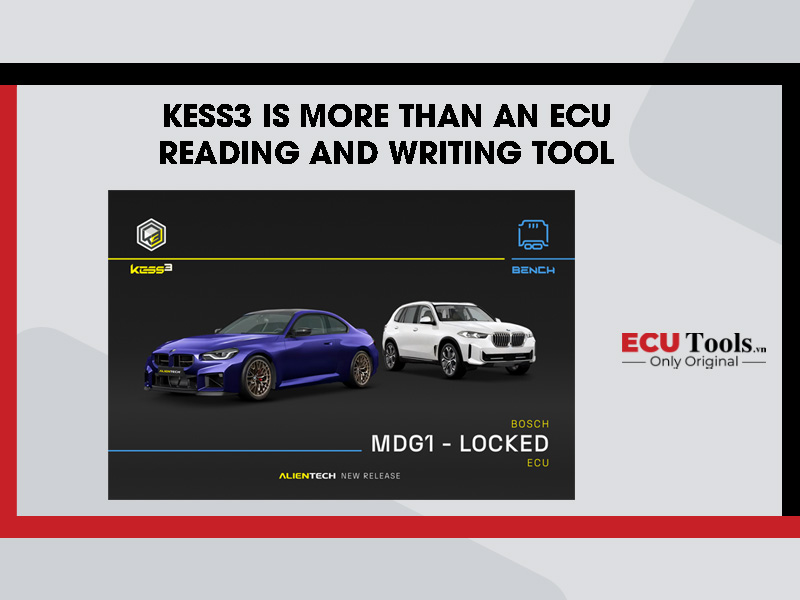
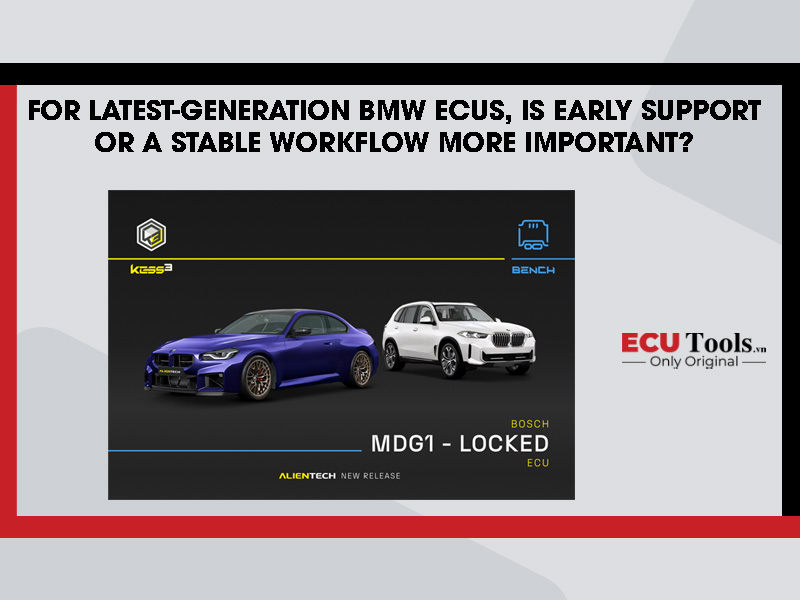
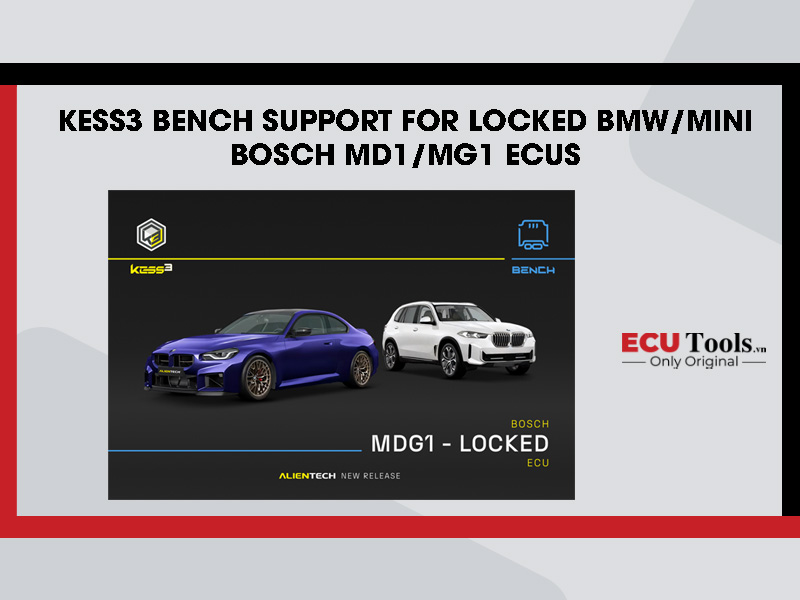
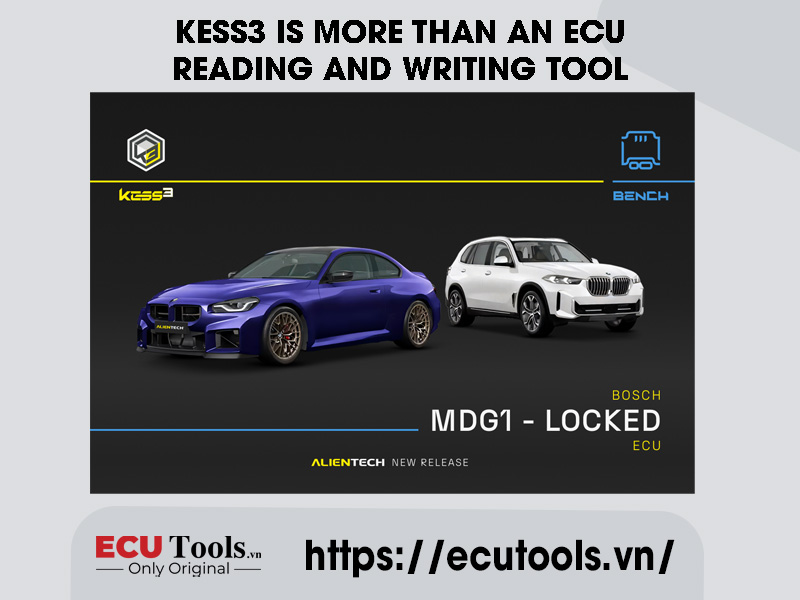
The locked Bosch MDG1 update for BMW and MINI is a clear example. KESS3 now provides direct BENCH access through the ECU connector for DDE8 and DME8 applications from 2021 onward. The value is not limited to one newly supported vehicle group; it also comes from a platform whose coverage continues to expand.
ECM Titanium: from the original file to a completed calibration
After the original file is read, ECM Titanium identifies the Driver and displays available calibration maps in table, 2D or 3D views. Users can analyze, modify and save multiple file versions before sending the completed file back through KESS3 for writing.
The software does not replace tuning knowledge. Changes still require an understanding of engine-control strategies, mechanical limits and the vehicle’s intended use. The ecosystem advantage is the connection between reading and writing, file analysis and access to Driver support when required.
Alientech Academy: turning equipment into practical capability
Tools create value only when the team can use them correctly. Alientech Academy offers learning paths covering chiptuning fundamentals, Alientech tools, ECM Titanium and advanced topics for petrol engines, diesel engines and automatic transmissions. The training is designed around practical application so technicians can better understand ECU logic and calibrations.
For a workshop entering the ECU market, training can shorten the trial-and-error stage, standardize internal processes and clarify which jobs can be completed independently and which require coordination with a file specialist or technical support.
Technical Support for daily operations
During real work, users may need help with reading or writing procedures, software errors, protocol compatibility, Alientech Suite functions or Drivers in ECM Titanium. A structured ticket system and a technically capable dealer help the workshop reduce search time and approach each case more methodically.
A complete remapping workflow
- Identify the vehicle, engine and ECU; confirm the protocol and connection mode in the Vehicle List.
- Read the ECU file with KESS3 by following the procedure in Alientech Suite.
- Analyze and modify the calibration in ECM Titanium or work with an appropriate file specialist.
- Write the completed file back to the ECU using the specified procedure.
- Verify the vehicle after the operation; use DTC, DataLogger or DynoDrive where the application and function are supported.
Invest in an ecosystem, not only a device
A good tool enables an operation. A good ecosystem helps a workshop build a process, develop team capability and expand services over time. This distinction matters for businesses that want ECU remapping to become a long-term service line rather than a series of isolated jobs.
Whatsapp: +84.899.402.402
Facebook: ECUTools.vn
Youtube: ECUTools Vietnam
Tiktok: ECUTools Vietnam
Website: ECUTools.vn
RELATED NEWS
See all