




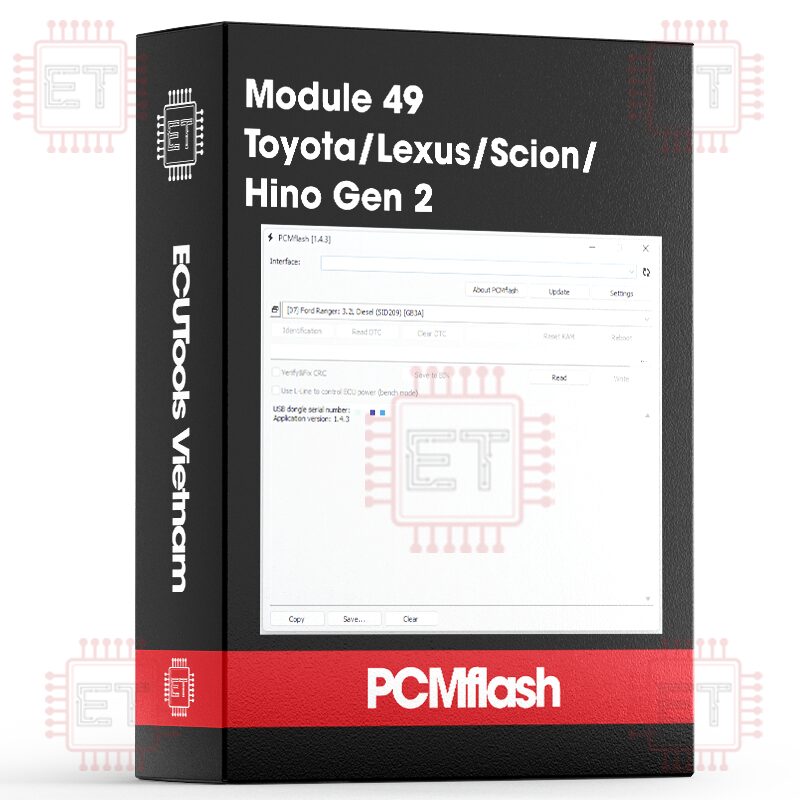


Caption:
- RD: Read
- WR: Write
- CK: Checksum correction
Supported ECU
- 76F0196/198/199/219 Bootloader [RD/WR/CK]
- 76F0199 Gearbox Bootloader [RD/WR/CK]
- 76F0196 HV Control Bootloader [RD/WR/CK]
Direct connection to the ECU connector, boot/bench cable or “Powerbox for PCMflash” device (or similar) for automatic power management and “boot” pins, Scanmatik 2/Pro/3 or Mongoose Pro MFC or Tactrix Openport 2.0 adapter are required.
- Reading, Writing (including recovery of ECUs in “unknown” state), checksum verification and correction are supported. Works with Can-bus and P5-CAN ECUs.
- Connection: Refer to the wiring diagram of correct module
– A boot/bench cable or a device like the “Powerbox for PCMflash” (or similar) is required for automatic control of power and boot pins. Tested with Scanmatik 2/Pro/3, Mongoose Pro MFC, Tactrix Openport 2.0. DIY setups with loose wires and manual power control are not supported and will not be!
– In module 49, the BOOT pin is connected to the corresponding wire in the cable, usually a gray wire with a crocodile clip. If using a Powerbox, make sure the BOOT and POWER switches are set to AUTO mode!
- Special case for ECUs with two microcontrollers (e.g., P5-CAN):
To read the TCU (transmission), you must first start reading the engine section (main) and interrupt it during the read. Then, switch to “Gearbox” and read it. After that, return to the engine section and read it again. The ECU will then return to a working state.
In general, it’s easier to read the P5-CAN TCU using module 46. Writing does not require such steps and is performed normally.
- Reading time is under 1.5 minutes. During writing, the password in the file is not checked against the ECU, meaning you can write any file to the ECU (as long as the file size matches). Naturally, this is done at the user’s own risk. Identification is performed by a diagnostic method and is for reference only. It does not determine the type of microcontroller and the ECU generation. But you can use the extended identification from module 46.
- Important: The reading operation is destructive – it temporarily replaces the boot sector in flash memory during the read process, and restores it at the end. If interrupted or if an error occurs, the ECU will not start or respond with ID data. In that case, simply repeat the operation.
- Example of work:
Identification
Module: Toyota: 76F0196/198/199/219 Bootloader
Identification
VIN number:
Calibration: 304A2100 A5801000
Calibration file: 89663-04A21
ECU type: ECM -EngineControl
Reading:
21:30:00 Entering programming mode
21:30:00 MCU: D76F0198
21:30:00 Flash: 1536KB
21:30:00 Transferring block 1
21:30:01 Verifying
21:30:01 Gaining access
21:30:01 Reading data
21:30:56 Finishing
21:30:57 Transferring block 1
21:30:58 Completed successfully
Writing:
21:53:07 Entering programming mode
21:53:08 Flash: 1536KB
21:53:08 Transferring data
21:53:09 Transferring block 1
21:54:00 Validating software
21:54:00 Completing
21:54:01 Completed successfully
Cart
(0 Product)







Related products
Reviews
There are no reviews yet.