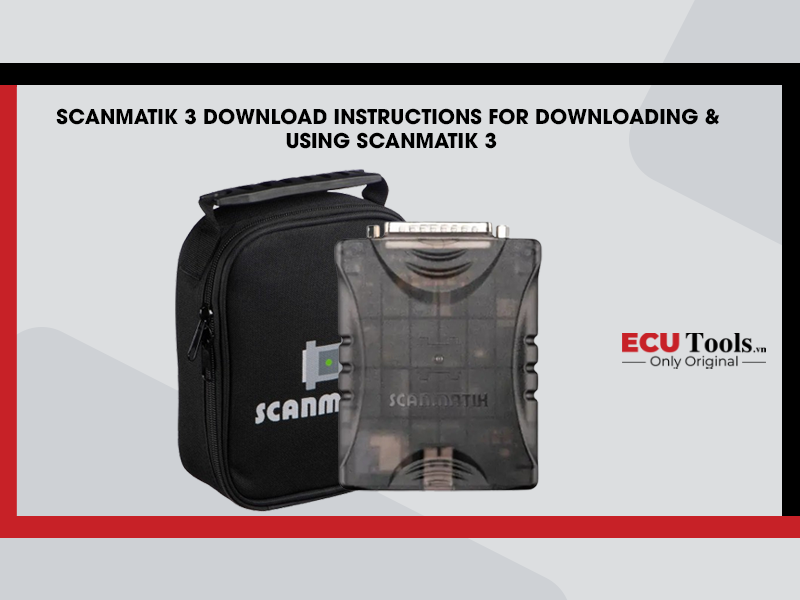




Scanmatik 3 Download Instructions for Downloading & Using Scanmatik 3




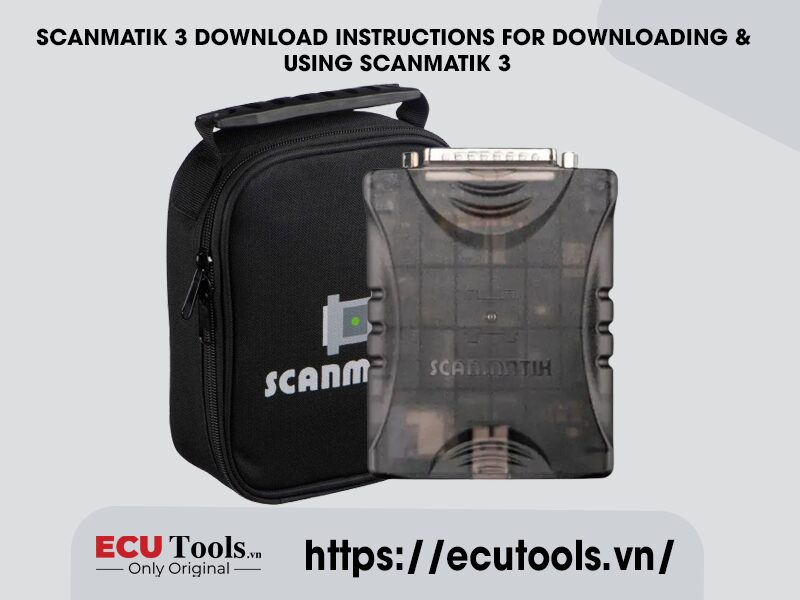
Download Scanmatik 3
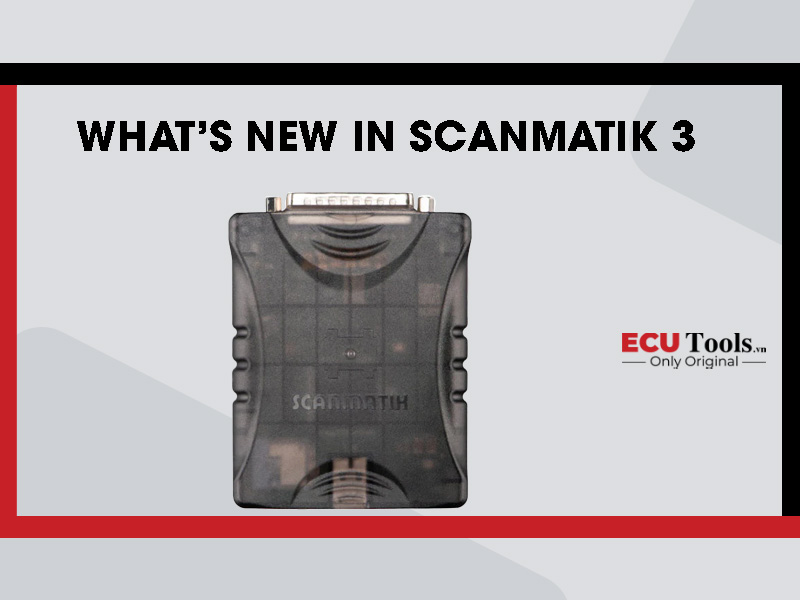
In the era of new generation ECU diagnostics and vehicle communication,Scanmatic 3This device is rated 10/10 by many garages and technicians thanks to its stability, good anti-interference, and support for many communication standards: J2534, RP1210, D-PDU… For the device to operate properly and stably,Download Scanmatik 3 software Genuine is very important.
Scanmatik 3 Software Download
You can download Scanmatik 3 software from the manufacturer’s official website:
Here you can choose to download for the versions:
- Scanmatik 3 software download(latest driver version)
- Support for Windows 7/8/10/11 (32-bit & 64-bit)
- Includes full driver files, test tools, diagnostic API
After downloading:
- Unzip the ZIP file
- Run file setup.exein admin rights
- Install the driver according to the OS you use

Scanmatik 3 Driver Download
Scanmatik 3 Driver for Windows will help the device to be recognized when plugged in USB:
- Cushion supportJ2534 APIfor genuine software such as: ODIS, Techstream, GDS2, IDS…
- Allow 3rd party tools like PCMFlash, BitBox, KFMTool… to recognize the device
- Support d-PDU, RP1210, PassThru (international communication standard)
Note:
- You should uninstall Scanmatik 2 driver first to avoid conflicts.
- Always download the latest driver version for increased compatibility
Download Scanmatik 3 Through Agents In Vietnam
In Vietnam, you can download the driver installation file through the official Scanmatik dealer:
https://ecutools.vn/scanmatik-3/
Here, the technical team will support you:
- Install Scanmatik 3 driver
- Connect the device to the software
- Install PCMFlash, IDS, Techstream…
4. Check After Installation
After completionscanmatik 3 download, your device will:
- Appears in Device Manager (Universal Serial Bus item)
- Received by diagnostic software such as IDS, ODIS, PCMFlash…
Scanmatik 3 User Manual
Using Scanmatik 3 is very simple, however to achieve the best results, you should follow these instructions:
Step 1: Install driver and connect USB
- Ban Scanmatik 3 on USB
- Install the downloaded driver according to the instructions
Step 2: Open the software you need to use
- ODIS (VW, Audi)
- IDS (Ford, Mazda)
- GDS2 (GM, Chevrolet)
- PCMFlash (for ECU read/write)
In the software settings, select:
- J2534 PassThru: Scanmatik 3
- Or in config, set communication = Scanmatik 3 USB
Step 3: Perform diagnostics or read files
- Diagnostics by interface guide
- Read/write ECU files with PCMFlash, BitBox or DFOX
Memorize:
- It is recommended to use a stable power supply (12V) when operating the ECU.
- Backup original file before tweaking
- Scanmatik 3 can read and write fast, stable and compatible with many software
Why Choose Scanmatik 3?
- Improved USB port, more durable, good anti-interference
- J2534 PassThru, D-PDU, RP1210 support
- High durability, high quality plastic shell design
- Fast ECU reading, stable writing
- Easy installation, compatible with Windows 10/11
Conclude
Scanmatic 3is a high-end ECU diagnostic device, trusted worldwide. To make the device work smoothly and be compatible with the manufacturer’s software, downloadscanmatik 3 software downloadright source. Start your ECU-busting journey with a trusted partner like Scanmatik 3!
Whatsapp: +84.899.402.402
Facebook: ECUTools.vn
Youtube: ECUToolsvn
Tiktok: ECUTools
Website: ECUTools.vn
RELATED NEWS
See all